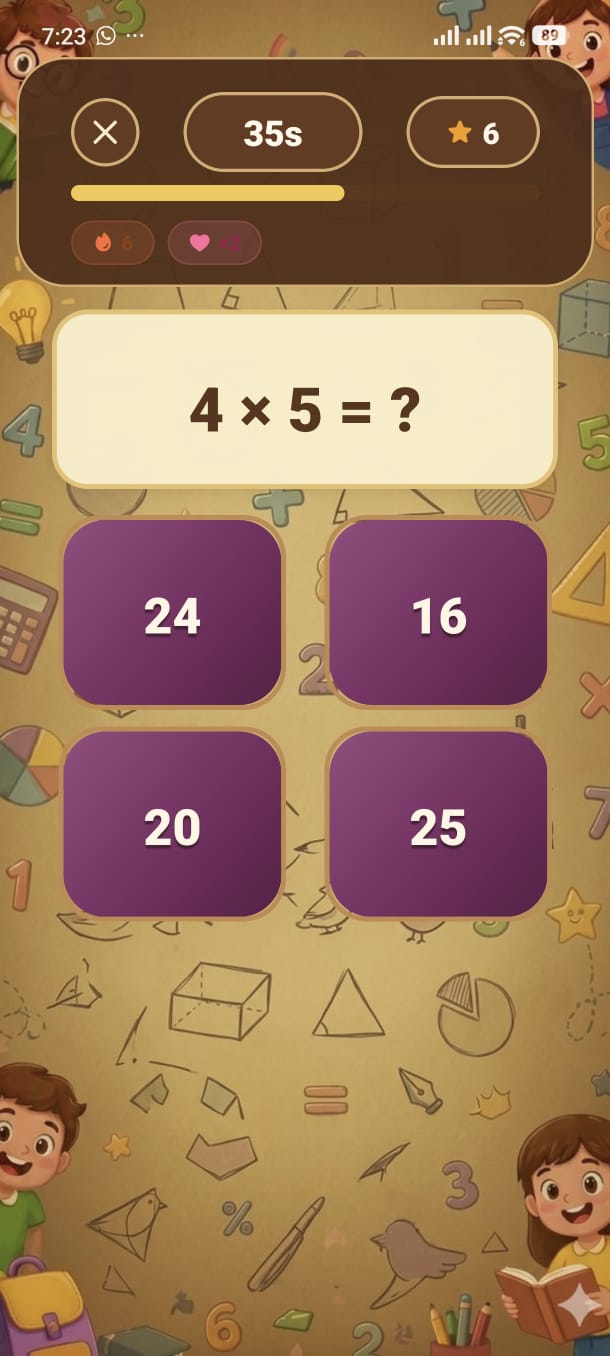
The clock is ticking! Answer as many questions as you can before time runs out — and the faster you answer, the bigger your bonus.
Speed Mode starts a countdown timer the moment the first question appears. Every correct answer earns points plus a speed bonus based on how quickly you answered. The session ends automatically when the timer reaches zero, then the app shows your results.
There is no fixed question count — you answer as many as you physically can before the time expires.
The default duration is 30 seconds, but you can change it in Settings → Speed Mode Duration:
20 seconds
Extremely fast. Only for confident, quick thinkers. Every second counts.
30 seconds
The default. A balanced challenge for most ages and skill levels.
40 seconds
A little more breathing room. Good for practising speed without panic.
60 seconds
Extended run. Aim for a high question count and build up your Best Speed Score.
Each correct answer earns base points plus a speed bonus. The faster you tap the correct answer after the question appears, the higher the bonus. An answer in under 2 seconds earns the maximum bonus; slow answers still earn base points but no bonus.
When the countdown hits zero, the session ends and the Results Screen shows your total score, accuracy, how many questions you answered, and the total time of the run. Your best speed score is automatically updated if this run beats it.
Add your screenshot here
guide/img/screen-speed.png